Why I built Jaga: the XSS edges frameworks leave to you
Doğukan BatalUpdated
On this page
React and Vue protect you from most XSS attacks by default. They escape values automatically and make the common mistakes harder to make.
The problems that remain sit at the edges, in the places where you step outside that default safety:
- rendering raw HTML
- setting dynamic attributes
- allowing custom styles
- injecting data into scripts
I kept running into these in real projects, and I ended up writing a small library for them called Jaga (opens in new tab). This post goes through each edge, what goes wrong there, a safer rule for it, and how Jaga applies that rule.
Jaga is an ultra-lightweight, zero-dependency security layer for HTML templates, providing context-aware XSS protection between user input and the DOM.
1. Raw HTML (e.g. React’s dangerouslySetInnerHTML)
Sometimes you need to render HTML:
<div dangerouslySetInnerHTML={{ __html: content }} />If content is not sanitized, it can run code:
<img src="x" onerror="alert(1)">The usual fixes each have a cost. Escaping everything breaks valid HTML. Regex filtering is unsafe and misses cases. DOM-based sanitizers are safer, but they are often heavy, especially on the server.
A better rule is to sanitize the HTML by its structure: remove dangerous tags like script, strip unsafe attributes like onerror and onclick, and keep the safe markup as it is.
Jaga does this at the template level. It parses the HTML and filters it before rendering instead of treating it as a string, so unsafe nodes never reach the output.
2. Attributes
Escaping does not protect attributes:
<a href={userInput}>Click</a>If userInput is:
javascript:alert(1)the browser will run it. Escaping works on characters, and this problem is about what the value means. Nothing in javascript:alert(1) needs escaping, yet it is still a script.
The safer rule is to know that href is a URL, allow only safe protocols like https and mailto, and block everything else.
Jaga knows href is a URL context. It inspects the value, normalizes it, and blocks dangerous protocols like javascript:, including obfuscated variants, before rendering.
3. CSS injection
CSS is easy to forget as a security risk:
<div style={userStyle}></div>Left uncontrolled, an attacker can inject:
background: url("javascript:alert(1)");or an obfuscated value:
color: \6a avascript:alert(1);CSS is hard to filter because it has its own syntax and parsing rules, it allows functions like url(), and it supports escape tricks like the one above.
The reliable rule is to parse the CSS properly, allow only a safe set of properties such as color and margin, and block dangerous values and functions.
Jaga has a small lexical CSS sanitizer for this. It tokenizes the style string and only lets through a safe subset of properties and values. Anything that does not match the expected patterns is rejected.
4. Server-side rendering
A lot of apps now render on the server (Next.js and others), and many sanitizers depend on the browser DOM. On the server that means extra dependencies like jsdom, more memory and slower runs.
Here it helps to use a tool that needs no DOM, behaves the same in the browser and on the server, and stays small.
Jaga does not use DOM APIs and works the same way in Node, Bun, Deno and the browser. It has zero dependencies, so it does not bloat your project or add supply-chain risk. It also includes a minifier that removes extra whitespace from your HTML without touching the spacing inside tags like <pre> or <textarea>, which gives a small boost in SSR.
5. Script context and JSON
Injecting data into a script can also go wrong:
<script>
  window.__STATE__ = ${data}
</script>
If data contains:
"</script><script>alert(1)</script>"it closes the script early and runs its own code. To prevent this, encode the JSON safely and escape sequences like </script>.
Jaga has a helper for this, j.json(). It serializes the data and escapes anything that could break out of the script, so the data stays inside it. Jaga also supports Trusted Types: it can return objects that modern browsers trust, which helps you follow a strict Content Security Policy (CSP) without extra work.
Security depends on context
The same pattern runs through every example. Each place needs its own rule:
| Context | Risk | Rule | In Jaga |
|---|---|---|---|
| Raw HTML | script execution | sanitize the structure | structural sanitizer removes unsafe tags and attributes |
Attributes (href, src) |
javascript: URLs |
allow only safe protocols | detects URL context, blocks unsafe protocols |
| CSS | malicious styles, hidden injections | parse, allow known properties and values | lexical CSS sanitizer |
| Script / JSON | breaking out with </script> |
encode JSON safely | j.json() |
| SSR | heavy dependencies, DOM required | DOM-free tools | zero dependencies, runs in Node, Bun, Deno and the browser |
You can handle each case by hand, but one layer that knows the context applies the right rule every time. You write less validation yourself, hit fewer edge-case bugs, and get the same protection across the whole app.
Trying Jaga
Jaga is on npm as jagajs:
npm install jagajsThe j template tag knows where each value goes and applies the matching rule:
import { j } from "jagajs";
const userUrl = "javascript:alert(1)";
const userName = '"><img src=x onerror=alert(1)>';
const html = j`
<div title="${userName}">
<a href="${userUrl}">Profile</a>
</div>
`;
// <div title=""><img src=x onerror=alert(1)>">
// <a href="about:blank">Profile</a>
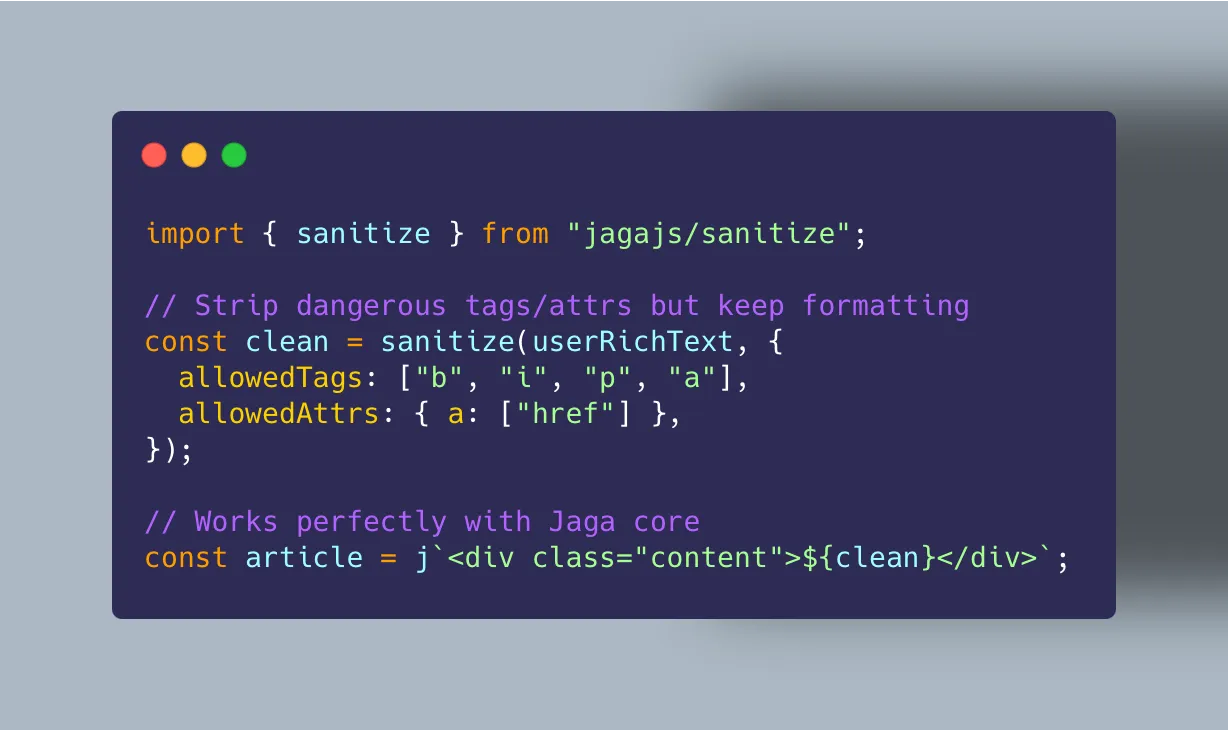
// </div>For raw HTML, such as output from a rich text editor, there is a separate sanitizer:
import { sanitize } from "jagajs/sanitize";

const clean = sanitize(userRichText, {
  allowedTags: ["b", "i", "p", "a"],
  allowedAttrs: { a: ["href"] },
});
Jaga is not the only way to solve these problems. If you are dealing with the same edges, it can be a practical starting point, or at least a reference for how to approach them. The code and the full docs are on GitHub (opens in new tab).